
01
We set up your masjid
Share your hall details. Avenque prepares your account, prayer timetable, and display link.
For Sri Lankan masjids · by Avenque
Show Adhan, Iqamah, Jummah, announcements and hadith on the hall TV — clear, calm, and always on time. Your committee updates everything from a phone.
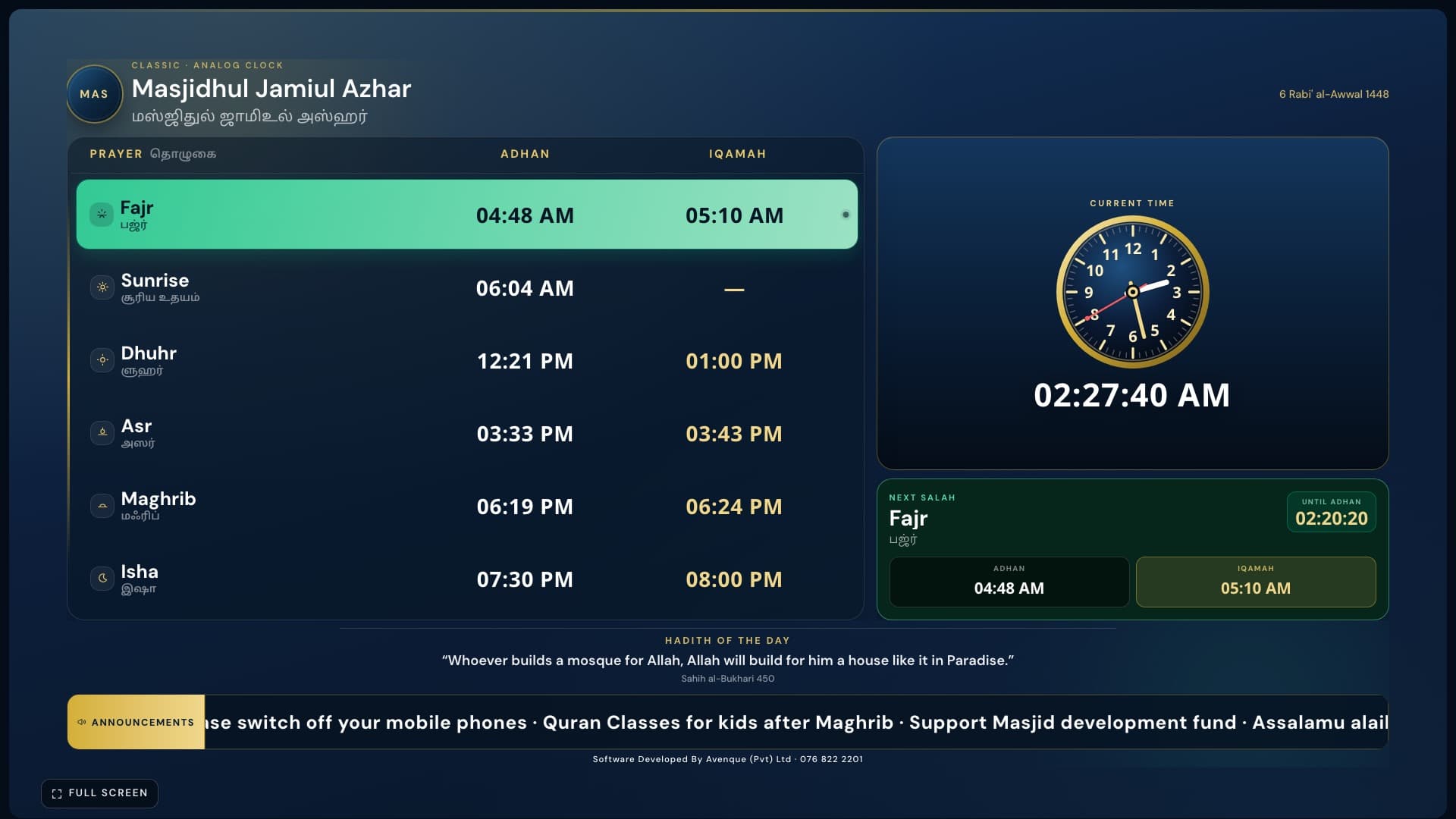
Real display from Masjid Display — classic board with live clock
On the hall TV
From the daily timetable to Jummah and Adhan moments — designed to be clear from the back of the musalla.
Classic board + live clock
Prayer table with analog clock — clear Adhan and Iqamah for the whole hall.
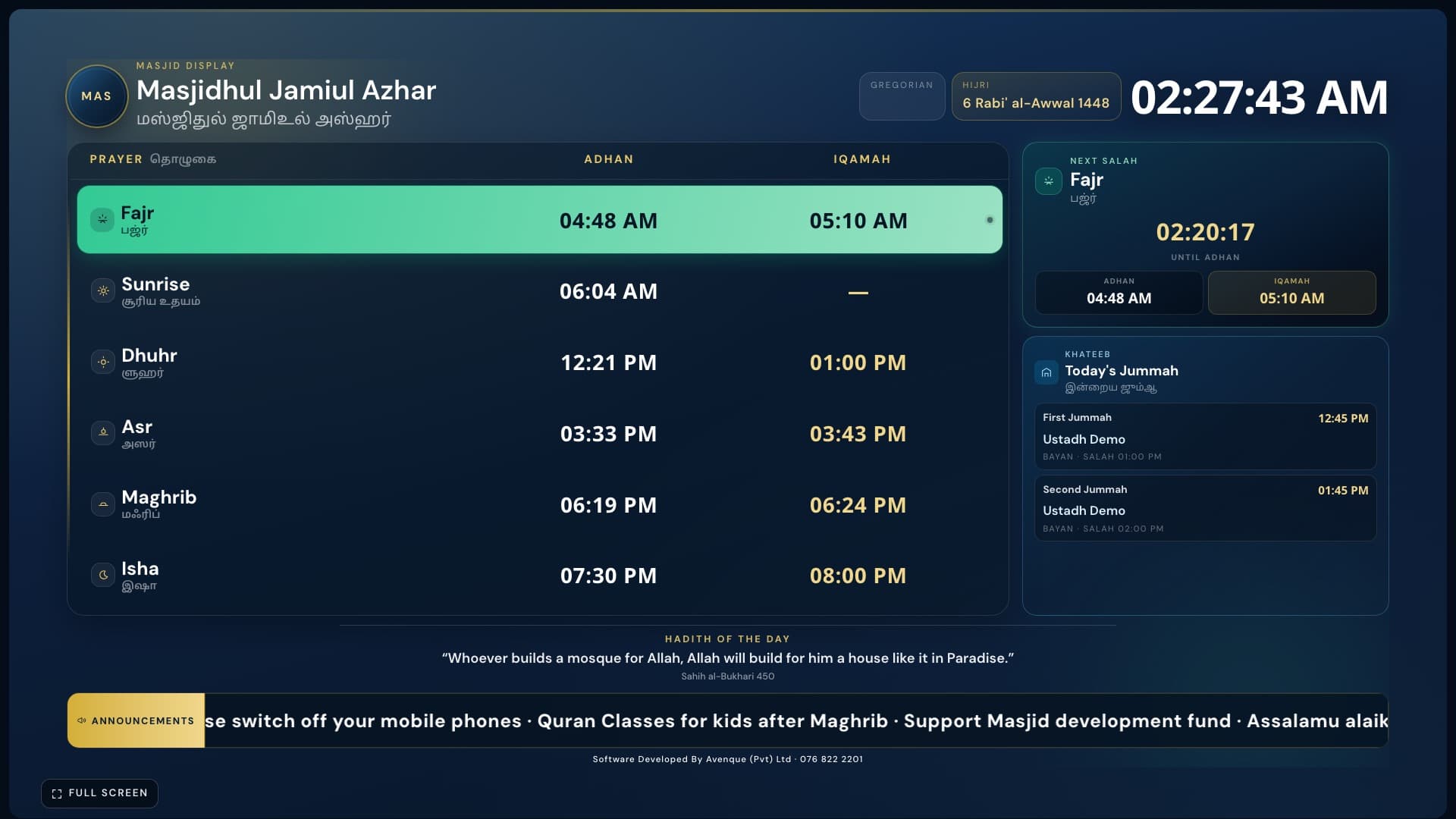
Full prayer board
Next salah, hadith, and announcements on one premium board.
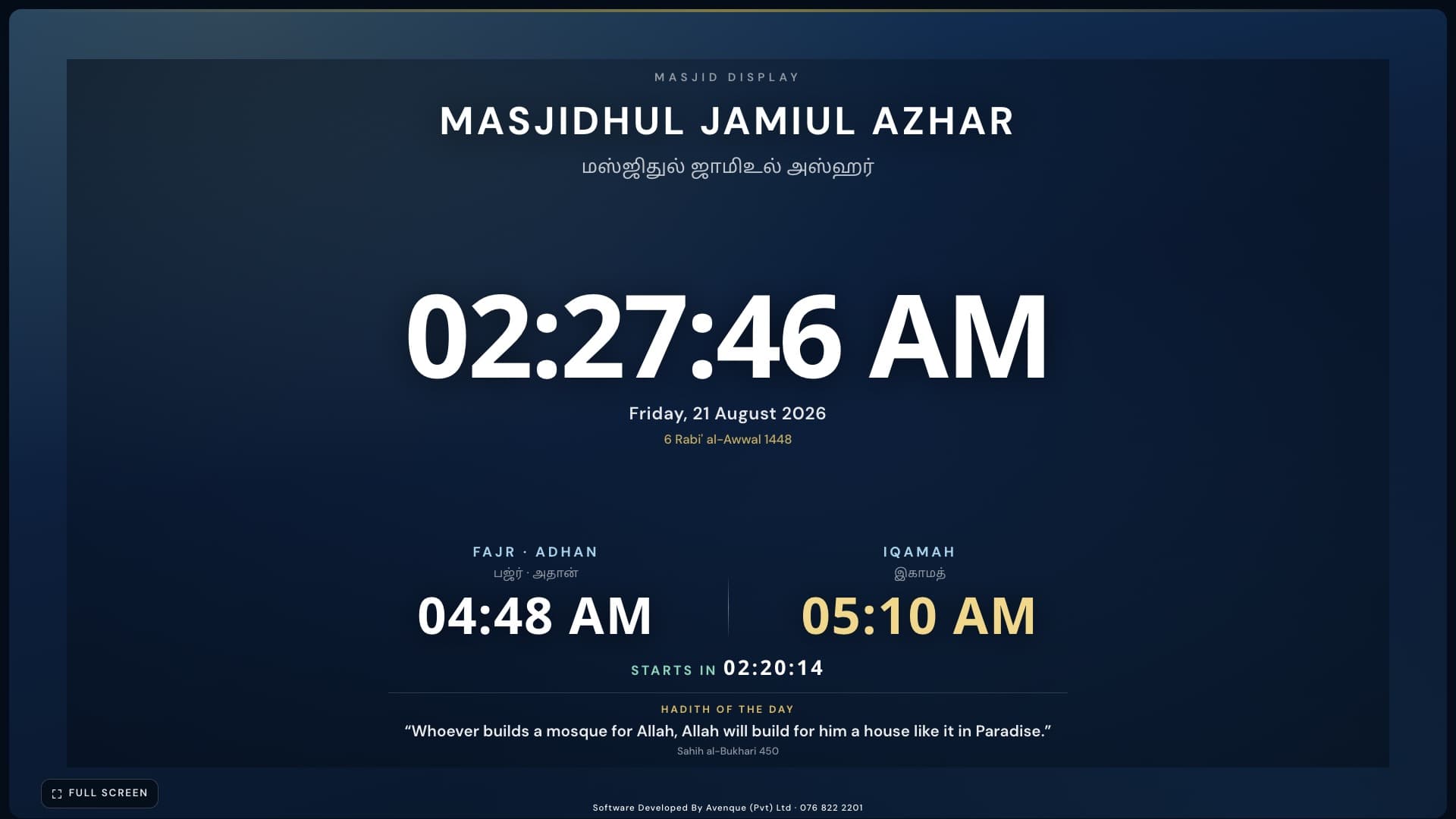
Next prayer focus
Large countdown to the next Adhan and Iqamah.
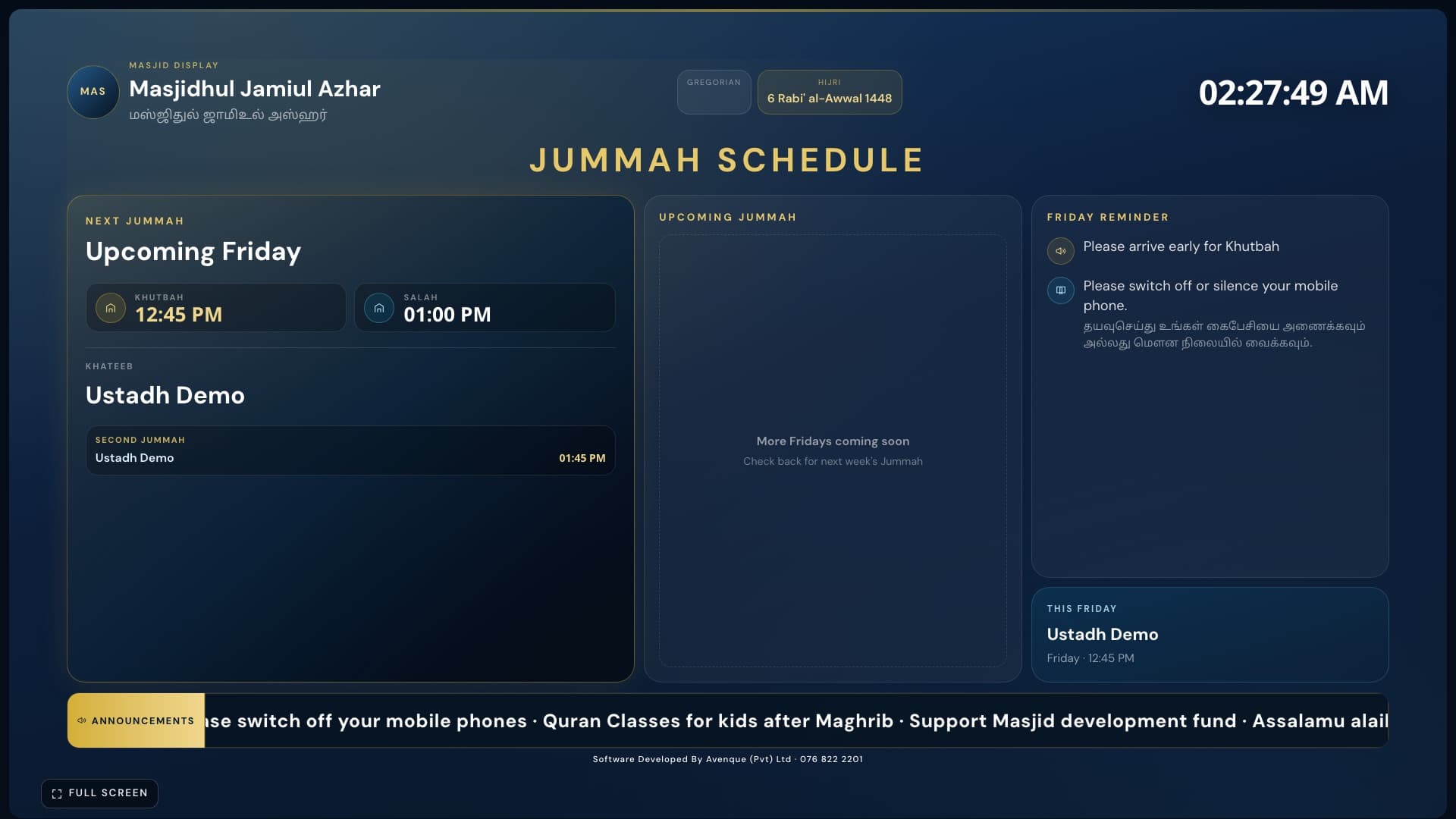
Jummah schedule
Khateeb, topic, and Friday session times.
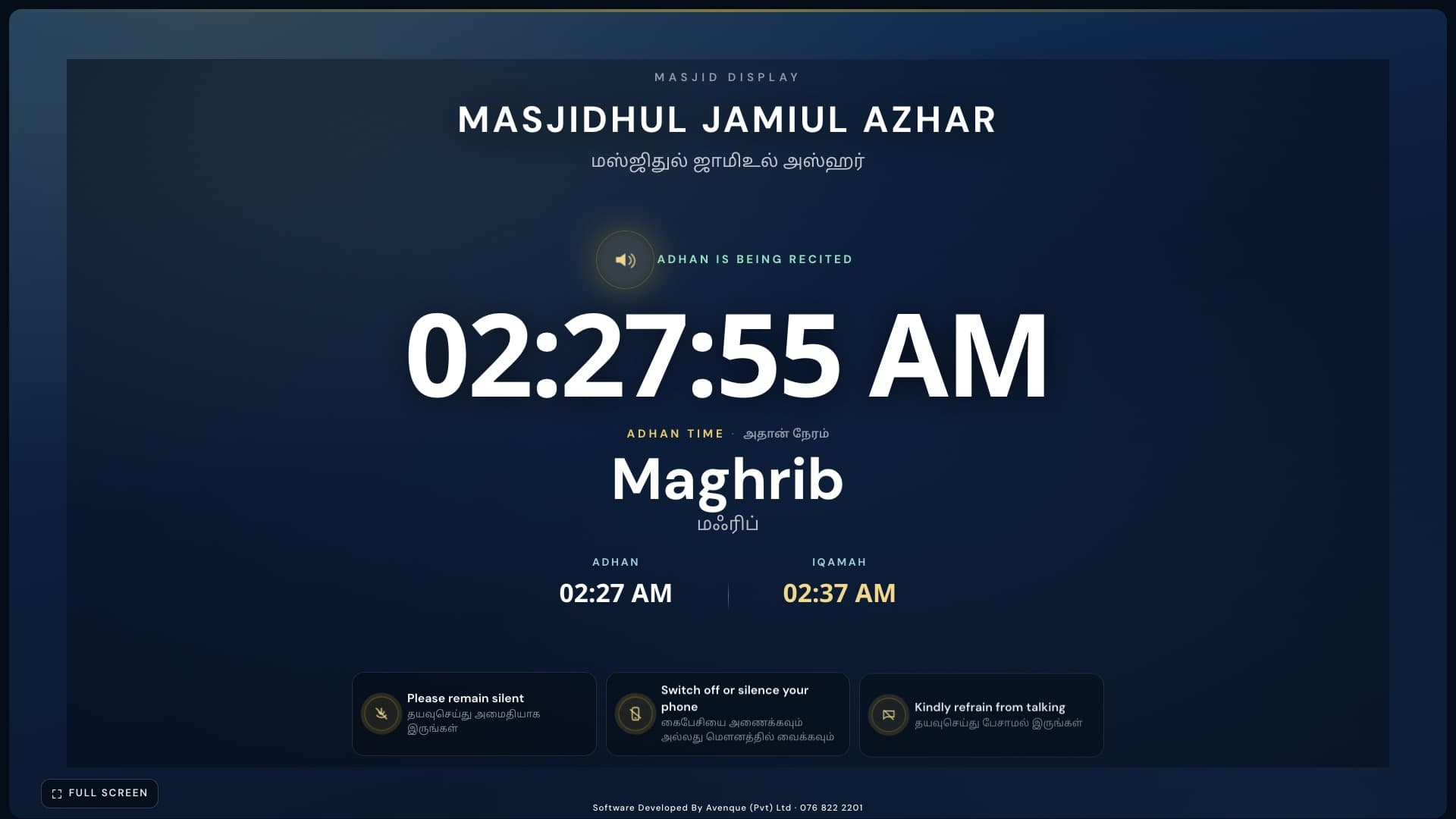
Adhan screen
Full-screen Adhan moment when the call begins.
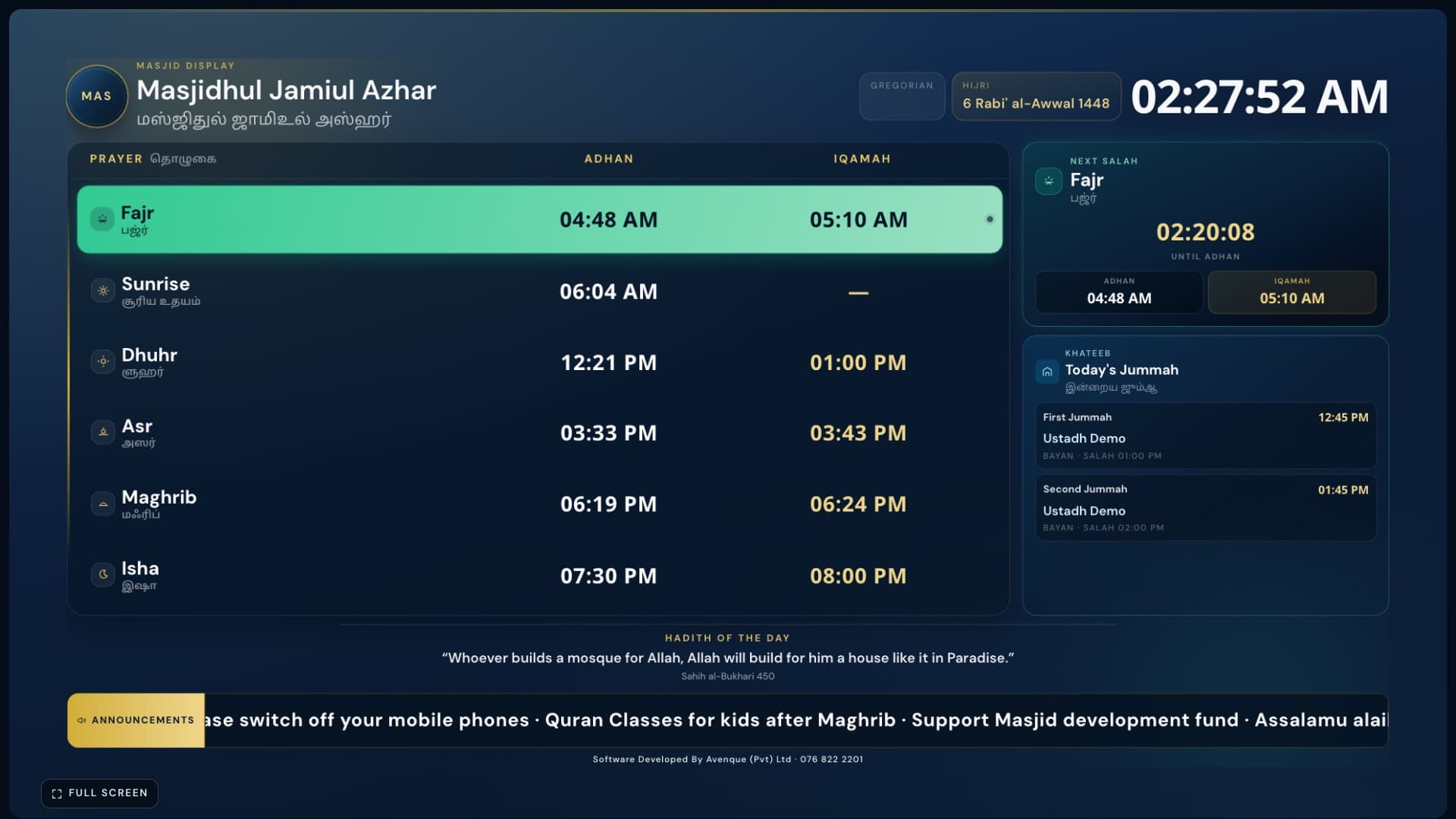
Auto playlist
Board and focus screens rotate; Adhan takes over automatically.
For your masjid
Not a complicated IT project. A calm screen for the hall, and a phone app on iOS & Android for the people who run it.
Install Masjid Admin on iPhone or Android — splash, login, and dashboard in one app
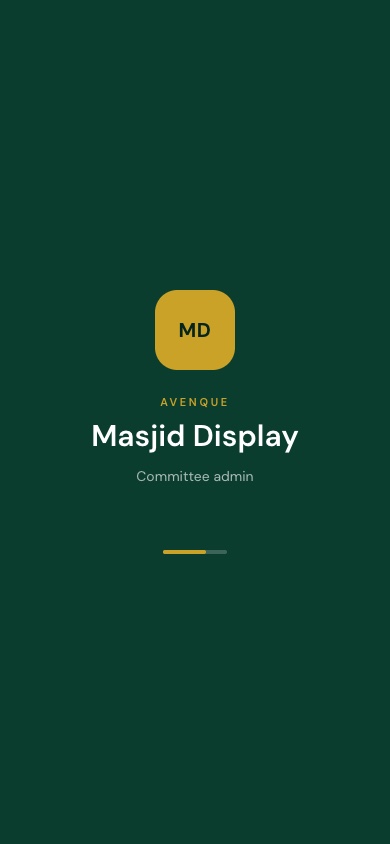
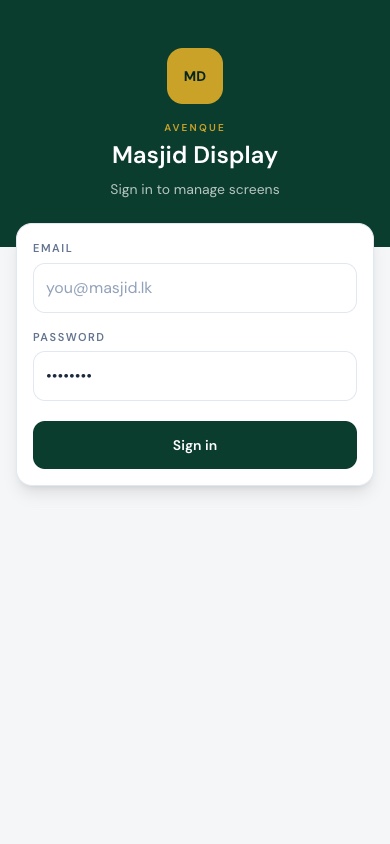
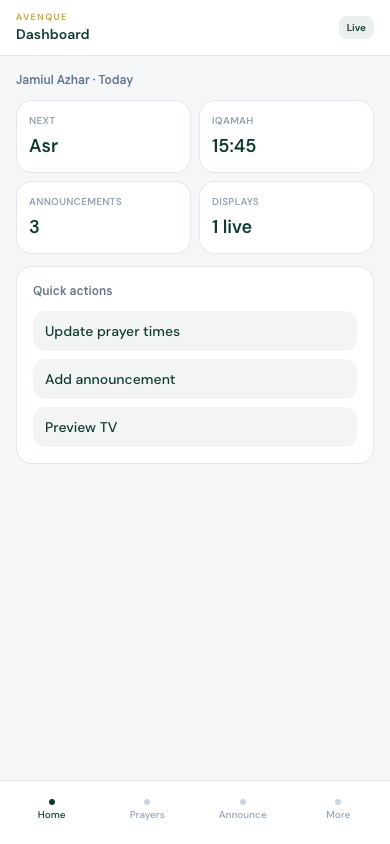
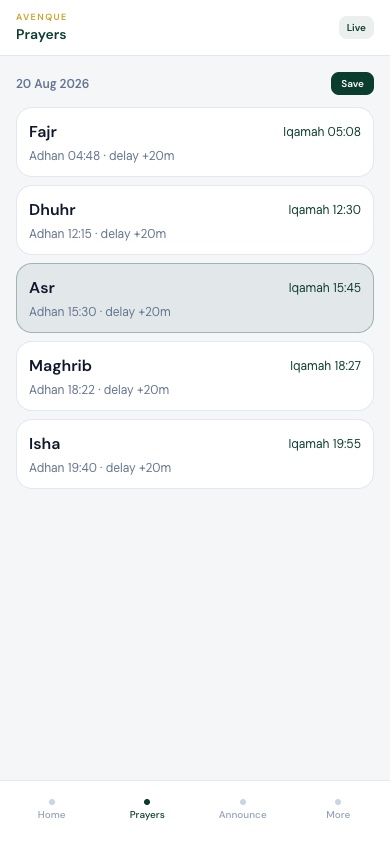
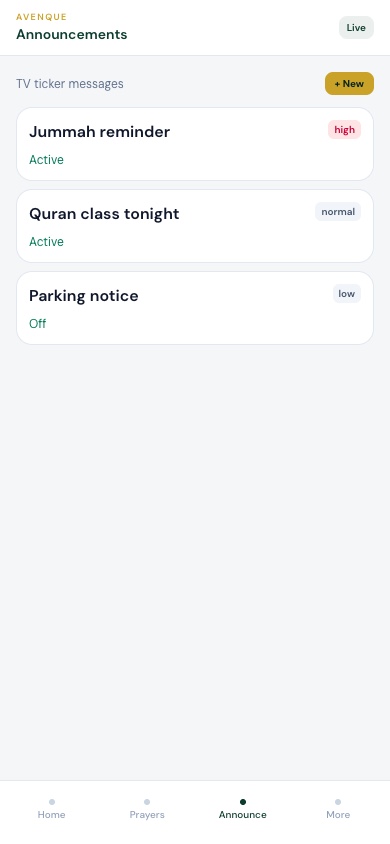
Swipe to see all 5 screens
Masjid Admin — installable phone app
Splash · Login · Dashboard · Prayers · Announcements
Available on iPhone & Android


How it works
01
Share your hall details. Avenque prepares your account, prayer timetable, and display link.
02
Install the Android TV app (or open the display link in a browser), pair with a short code, and the screen goes live.
03
Change Iqamah delays, Jummah khateeb, announcements, and hadith from the phone admin — the TV updates automatically.
Features
Large Adhan and Iqamah times for Fajr through Isha, with the next salah highlighted so the congregation never has to guess.
When Adhan starts, the TV switches to a full Adhan screen. Then Iqamah countdown. Then a calm Salah-in-progress view — automatically.
Show Khateeb name, bayan topic, and session times for Friday. Update from admin before Jummah without touching the TV.
Events, reminders, and notices scroll on the board so everyone in the hall sees the same message.
Rotate English and Tamil hadith text on the display. Add or pause content from the admin panel anytime.
Committee members change prayer times, delays, and messages from a simple mobile admin — no technician needed for daily updates.
Any large TV with an Android TV box (or Fire Stick / Android TV) works best with our app. A browser in kiosk mode also works.
Yes. Open the admin on your phone, set Adhan time and Iqamah delay — the TV updates after save.
Yes. Masjid name, labels, and hadith can show English and Tamil together on the screen.
The playlist pauses and shows a full Adhan screen, then Iqamah countdown, then Salah-in-progress for the minutes you choose.
More answers on How it works.
Tell us your masjid name and city. We will help you go live with a clear, respectful display.